The maintenance management landscape moves fast, and keeping your team equipped with the best tools means constantly evolving. We are thrilled to share the latest updates across the ManWinWin ecosystem. While our web platform and mobile application transition into the highly anticipated ManWinWin 8 generation, our powerful desktop platform receives a massive boost with the release of Version 7.2.5.0.
Whether your team is managing large-scale assets from a desktop or executing critical work orders directly in the field, these updates are designed around a single principle: fewer steps, fewer errors, and greater control.

ManWinWin 8 App: Taking Field Productivity to the Next Level
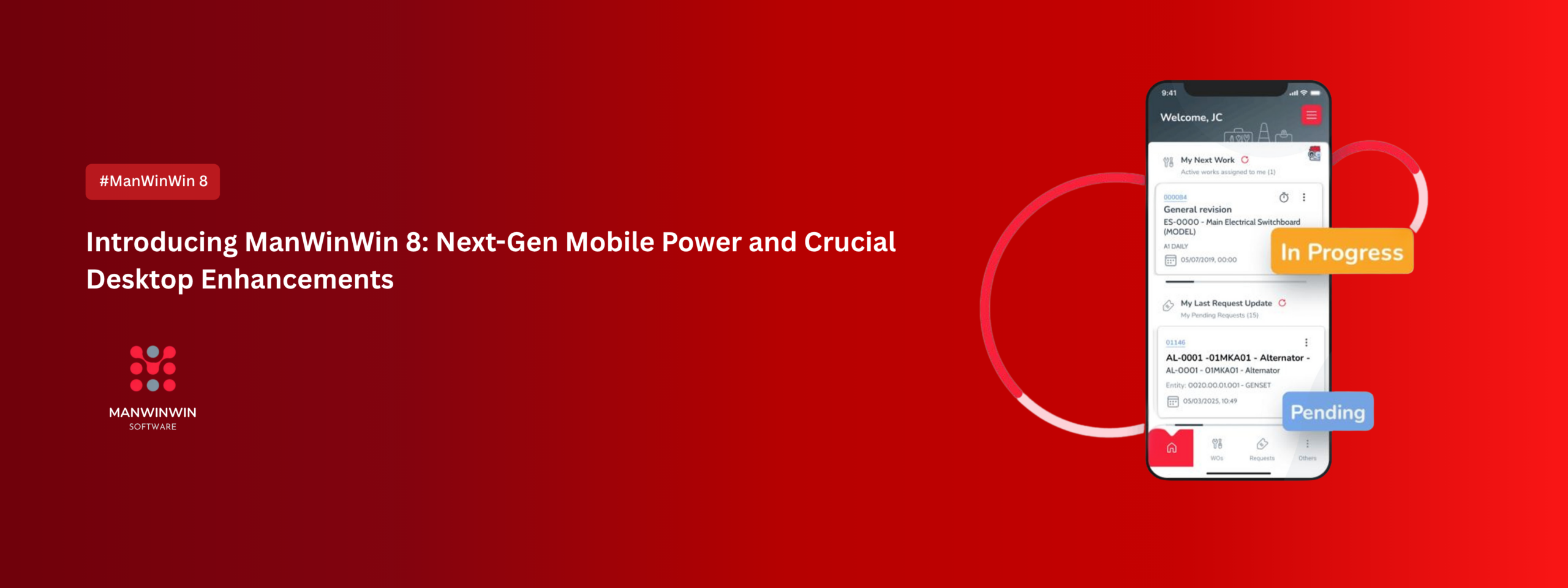
The ManWinWin 8 App is purpose-built to maximize field productivity and streamline operations for engineers on the move. The latest release brings five game-changing upgrades to mobile maintenance workflows:
In-App Inventories: You can now create full inventories directly inside the application, making stock counting faster and significantly reducing manual rework.
Streamlined Warehouse Outputs: Registering material outputs is quicker than ever with a cleaner interface and a new “Fast Out” shortcut feature.
Hierarchical Tree View: Navigate complex asset structures easily with structured tree navigation, mirroring the organizational layout of the main platform.
True Offline Capability: Work seamlessly in remote areas or low-signal environments without operational interruptions; choose your data to stay offline and sync it automatically once you’re back online.
Smart Barcode Scanning: Point your phone camera at an equipment barcode or QR code to instantly find, identify, and register items, cutting down human entry errors.
ManWinWin Desktop Version 7.2.5.0: Smart Features and Deeper Control
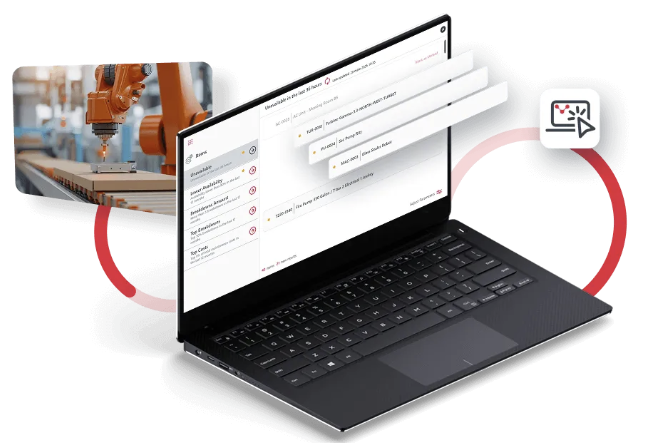
While the app takes care of the field, the core desktop engine receives a major update in Version 7.2.5.0 to optimize administration, work order configuration, and inventory management.
New Core Features
Main Screen Notifications Icon: A brand-new notification hub displays the real-time count of new Maintenance, Warehouse, and Purchase Requests tied to your user account.
User Administration Upgrades: Two new tabs have been integrated into the User configuration form, allowing administrators to seamlessly assign or remove specific OT Series and Warehouses for individual users.
Advanced Custom Fields Control: Under the Work Orders and Purchase Orders tabs, enabling the new “Aggregate Values – Only Select” configuration forces users to pick from pre-existing setup parameters, eliminating messy, unstructured data entry.

Functional Enhancements & Validation
Extended Character Limits: Description fields within the Causes and Symptoms setup modules have been expanded to support up to 65 characters.
Bulk Record Deletion: To speed up data cleaning, you can now delete multiple Work Orders or Stock Items simultaneously. For security, this operation requires user password verification.
Running Record Safeguards: When recording data using “Hours” as the unit, the software automatically caps entries at a logical maximum of 24 hours per day to block erroneous logging.
Smarter Project Wrap-ups: Upon finishing a project, the system prompts you on how to handle uncompleted or ‘Not OK’ tasks—giving you the direct flexibility to ignore them or push them to a pending status.
Expanded Form Searching: Enhanced search tools have been added to both Inventory and Store Entry forms, letting you filter and find specific Lots, Locations, and Purchase Orders quickly.

Critical Bug Fixes Included
Version 7.2.5.0 addresses several backend issues to ensure a smoother interface experience:
Resolved an unhandled SQL exception column error when accessing specific User Records.
Fixed a bug where secure password configuration forms erroneously threw error messages despite meeting character requirements.
Corrected a synchronization flaw where updating an item’s history across multiple edits failed to apply settings to all chosen systems.
Fixed rendering issues where report text occasionally disappeared when printing standard Projects or complete Work Orders.
Patched an automatic rollover issue where secondary supervisors were not moving on to the next routine Work Order upon completion of a task.
Ready to optimize your maintenance management?
Every design update and feature release is a strategic choice to give your operation tighter control and clear data transparency.
If you are ready to see the new capabilities of ManWinWin 8 and the latest Desktop Version 7.2.5.0 in action, book a personalized demo today by reaching out to our team at enquiry@tcsassb.com.